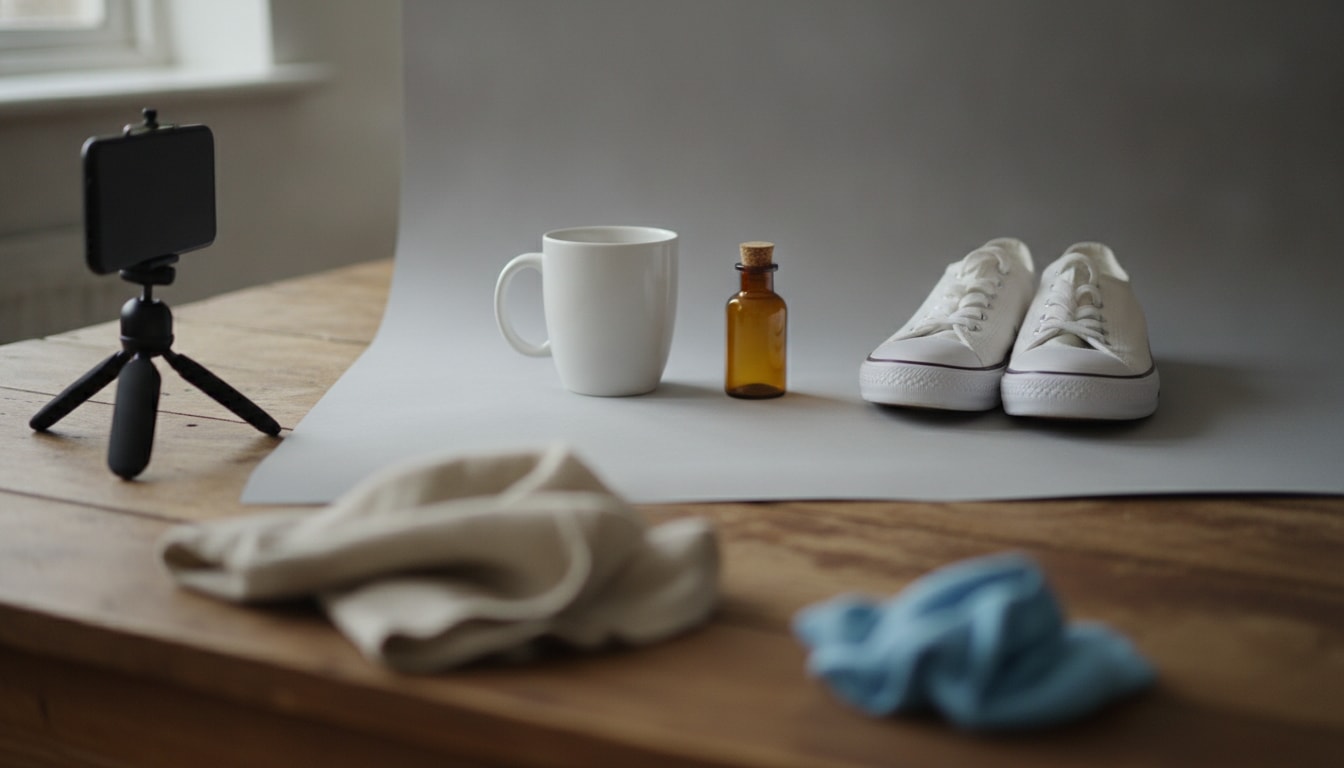
Product photo editor
AI product photo editor for phone shots that still show the real product
You have forty mugs on a shelf and a phone. What you do not have is a light stand, a white sweep and an afternoon. This takes the photo you already shot in the kitchen and rebuilds the light and the background around it — while the mug, the price sticker and the shape stay put.
Two free tries, no account. One image in, one listing image out.
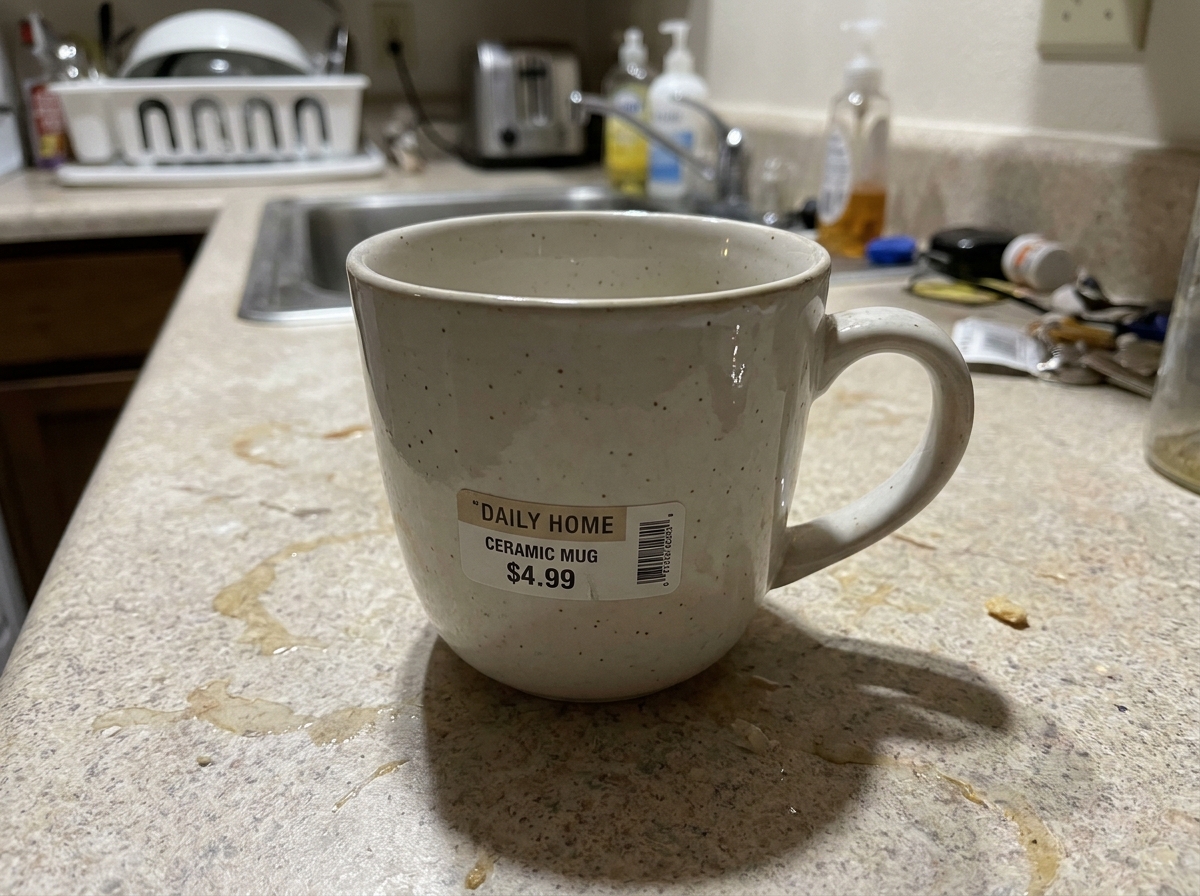 Before
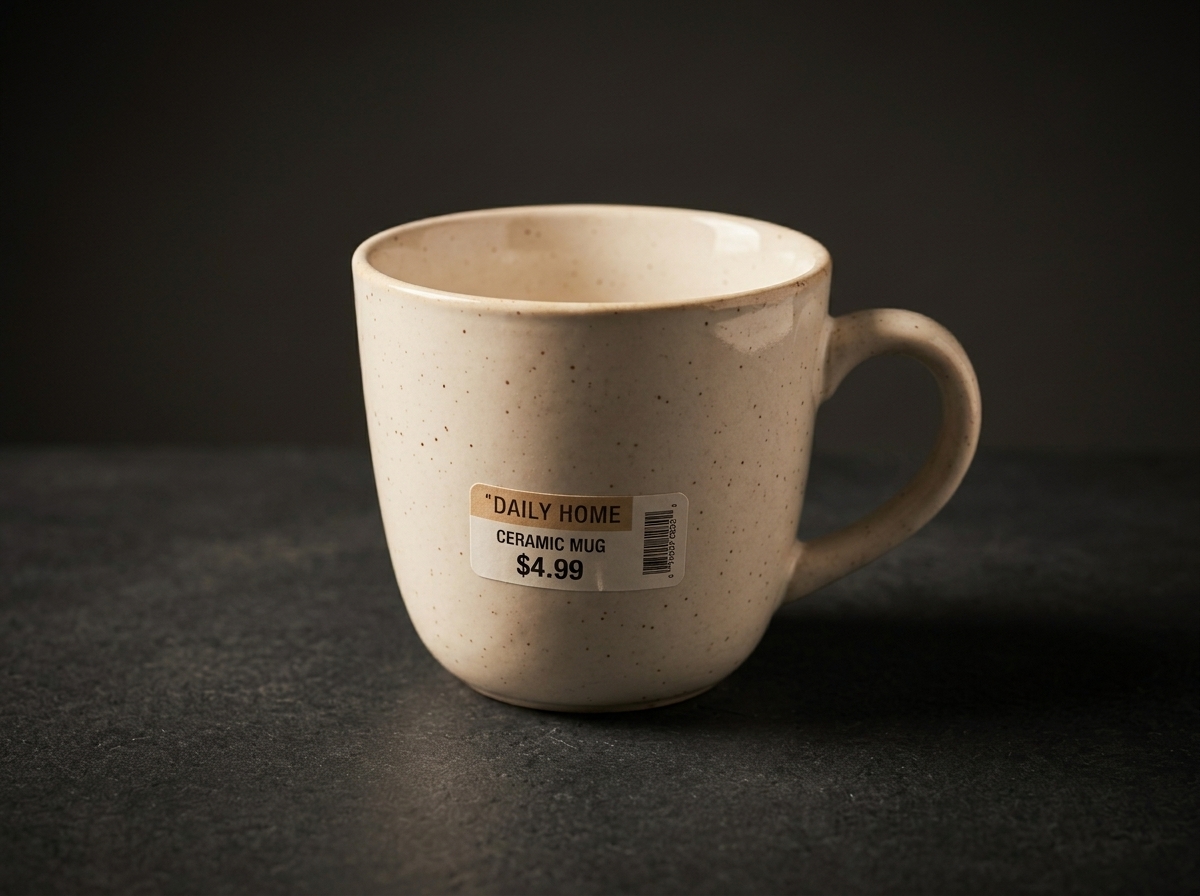 After
Three listing problems this workflow fixes
Not a survey of what AI can do. These three are what actually costs a small seller the sale, and each one has a different fix inside the same tool.
Cluttered counter, bedroom floor, dish rack
The product is right, the room behind it is not. A buyer cannot tell whether the mug is the product or the pile of washing up. Ask for a plain surface and rebuild the scene behind it — the shape and the label stay, the kitchen goes.
Flat overhead light, shadow across the label
One bulb on the ceiling puts a hard shadow under the rim and flattens the glaze into a grey blob. Say where the light should come from and the model relights the object: a soft key from the left, a contact shadow that suggests a table.
Soft edges that read as a stolen photo
A compressed phone shot has mush where the ceramic edge should be. The listing looks like a screenshot of somebody else's listing. On a clean background with a sharp edge, the same product looks like stock you own.
Eight pairs, one phone, no studio
Right-hand image was made from the left one with a typed instruction — nothing touched up by hand afterwards. The first two are the files every listing needs. The other six are the jobs people used to book a photographer for.
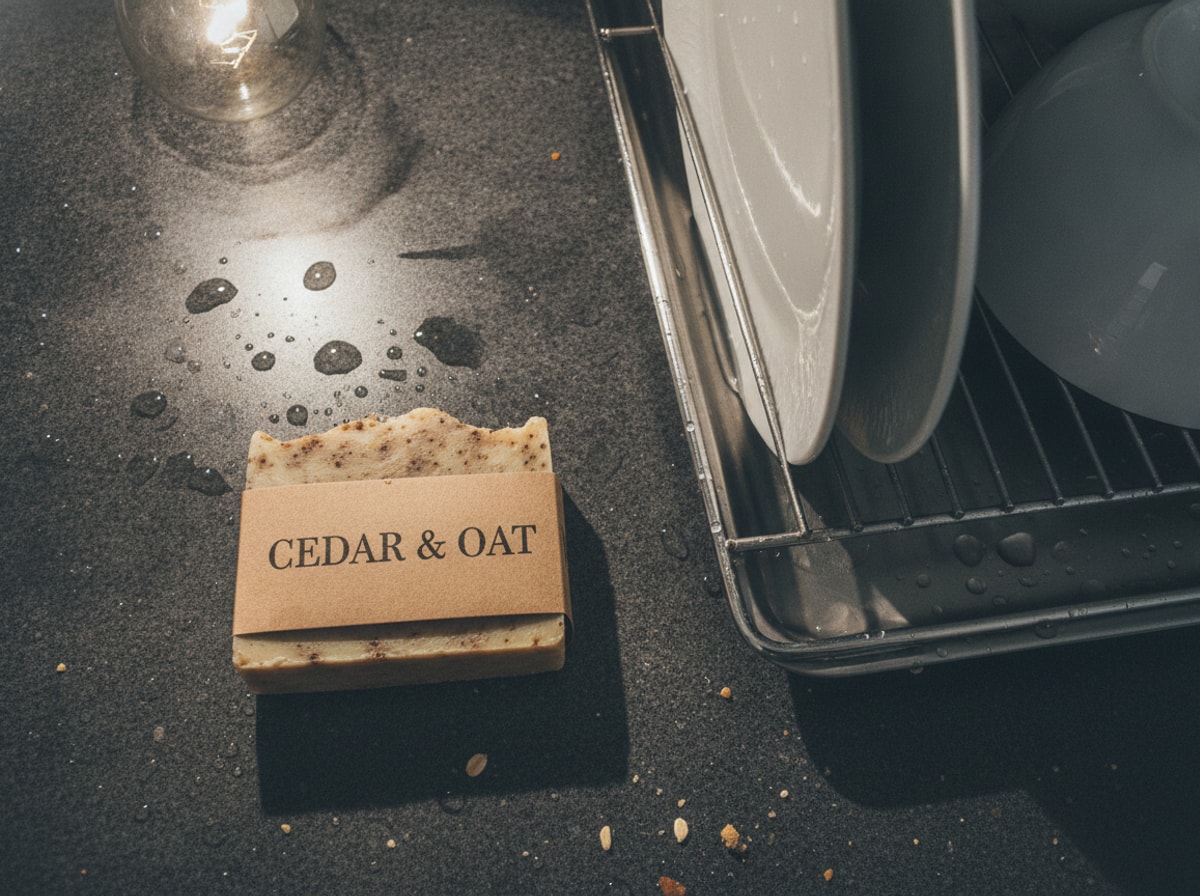 Before
 After
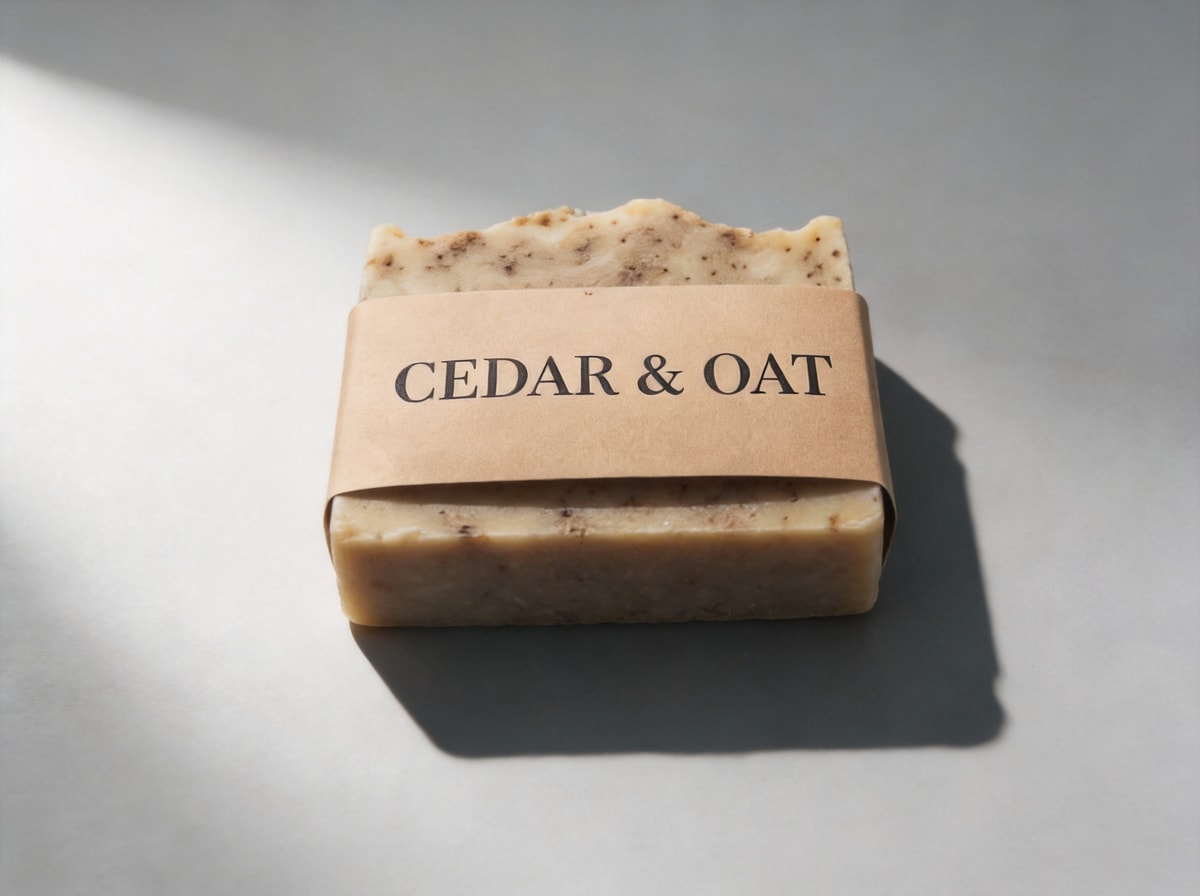
A soap bar beside a wet dish rack
Water on the counter, plates still in the rack, one bulb above. The band still reads CEDAR & OAT once the background has gone light grey, and that is the only reason a shot like this can go into a listing at all.
 Before
 After
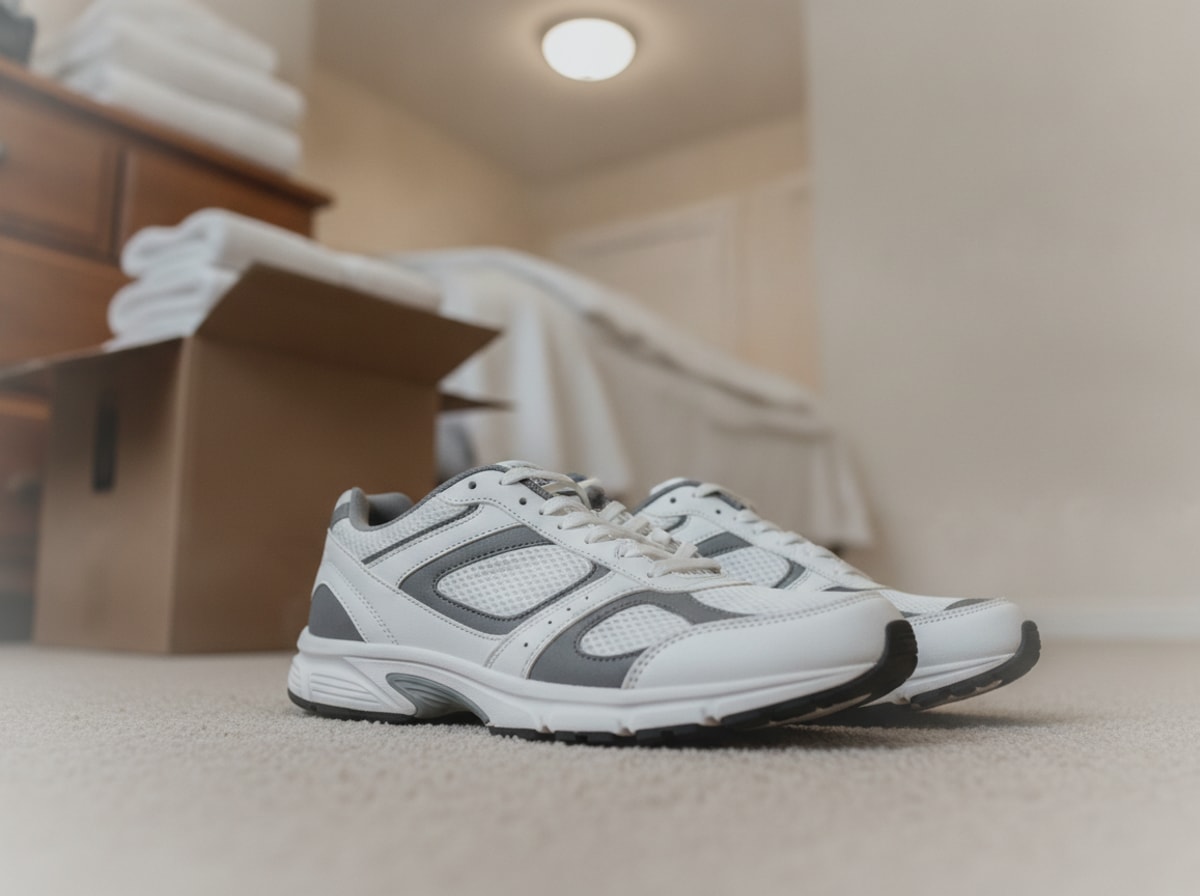
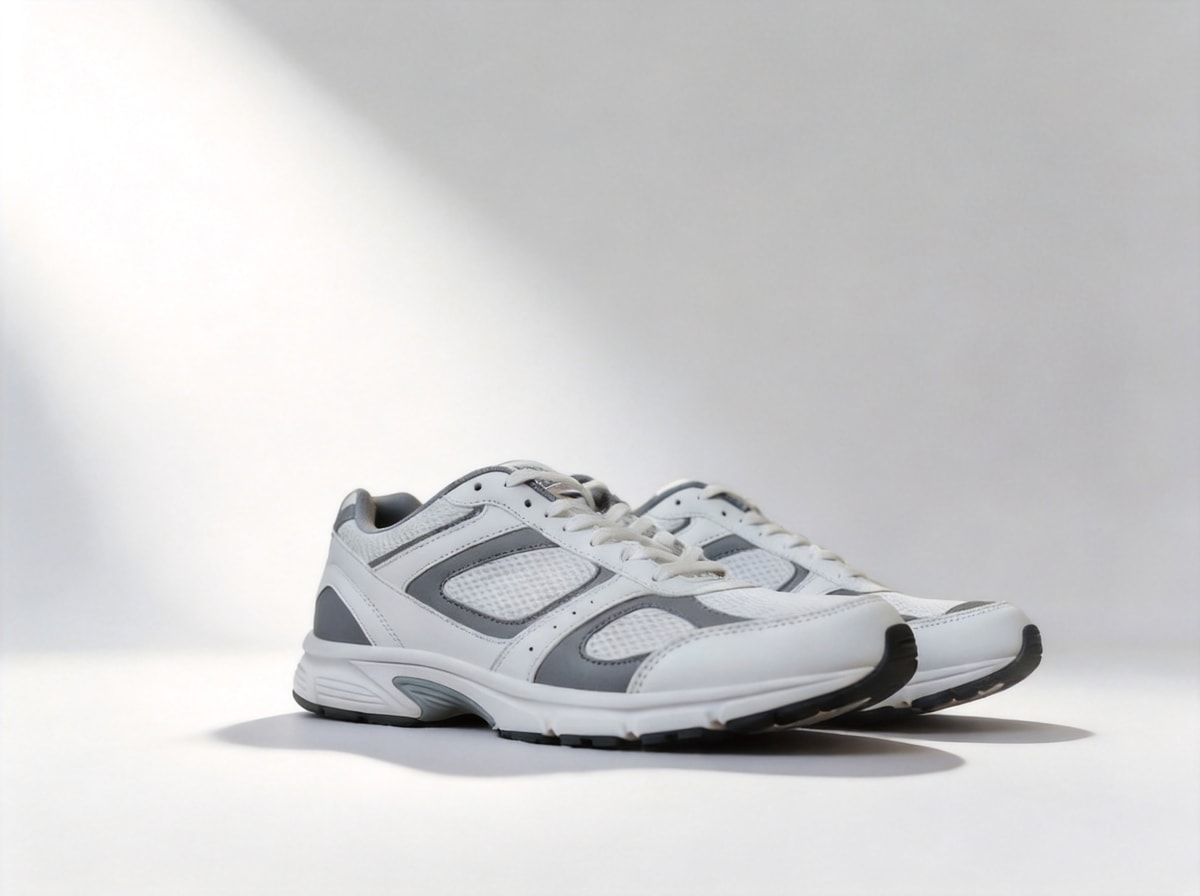
Trainers shot on the bedroom carpet
Laundry stacked behind them, a box at the edge, the phone held at an angle that leans every line in the room. On white the pair reads as stock you own: the same grey side panels, the same laces, one shadow under the soles and nothing else in frame.
 Before
 After
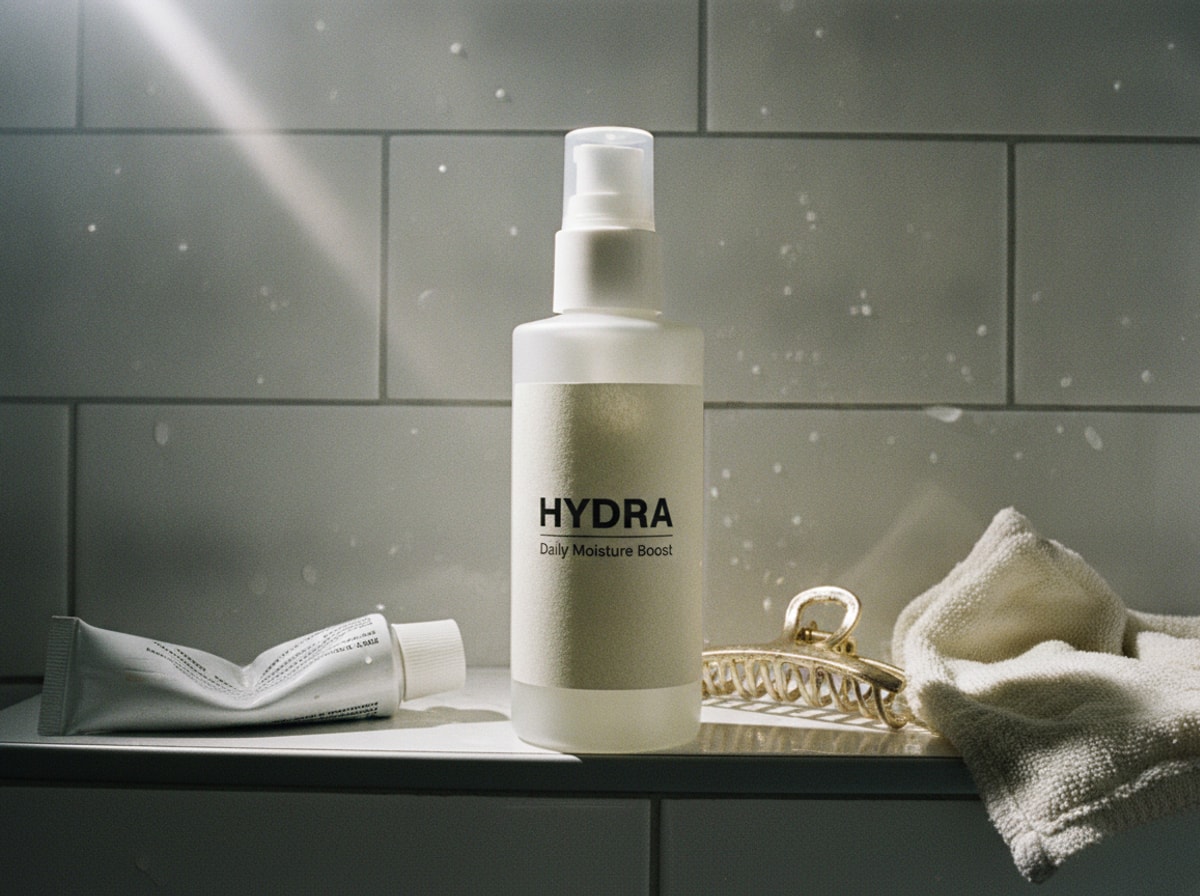
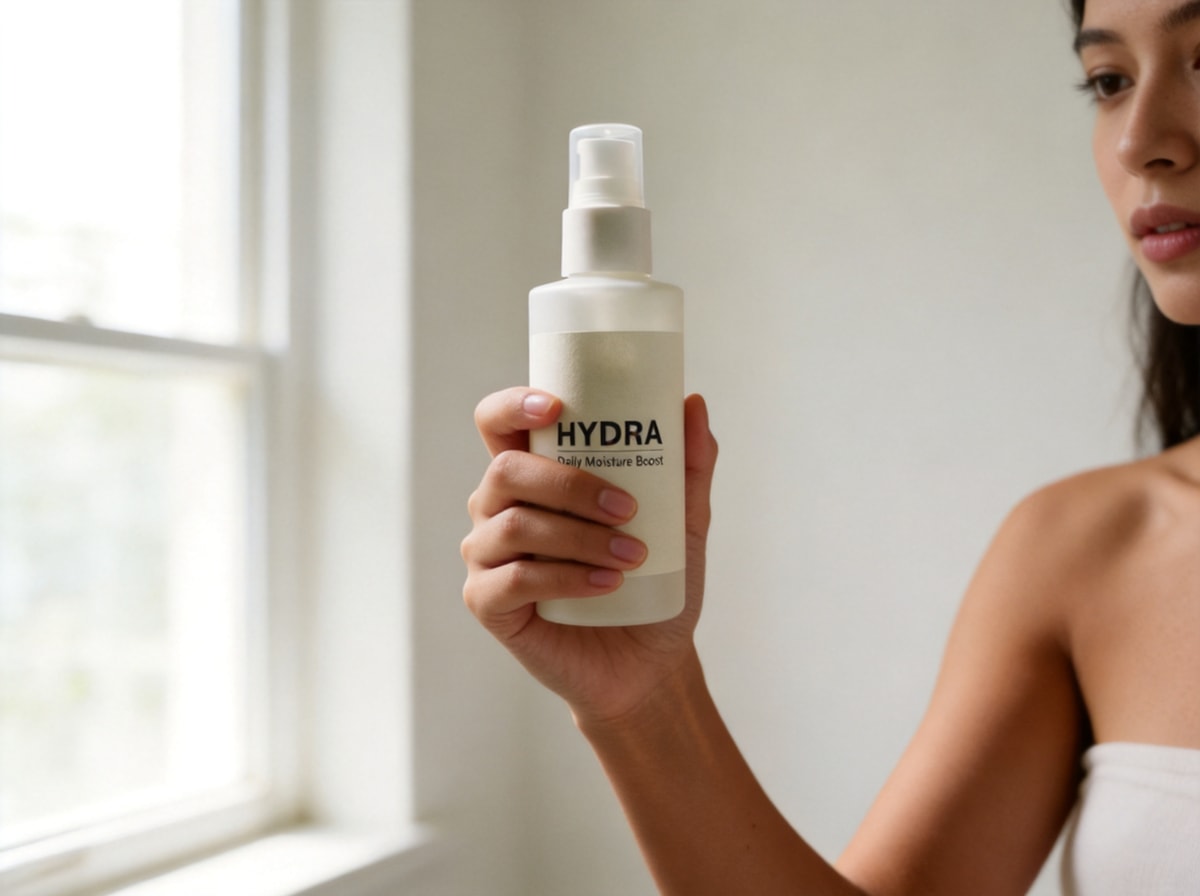
The same bottle, now in somebody's hand
Nothing about the bottle moved — same pump, same label, same proportions. What changed is that a buyer can finally see how big it is. A clean sweep never answers the size question; a hand does.
 Before
 After
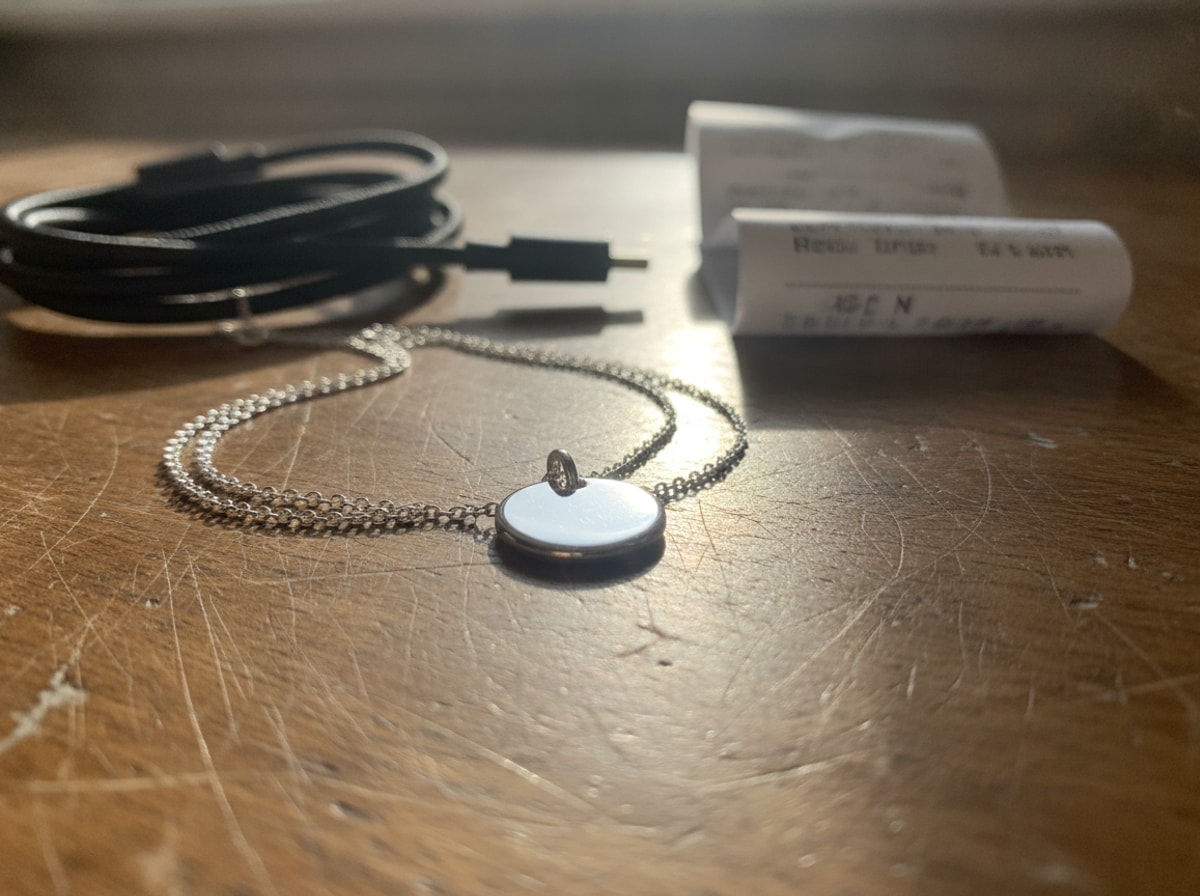
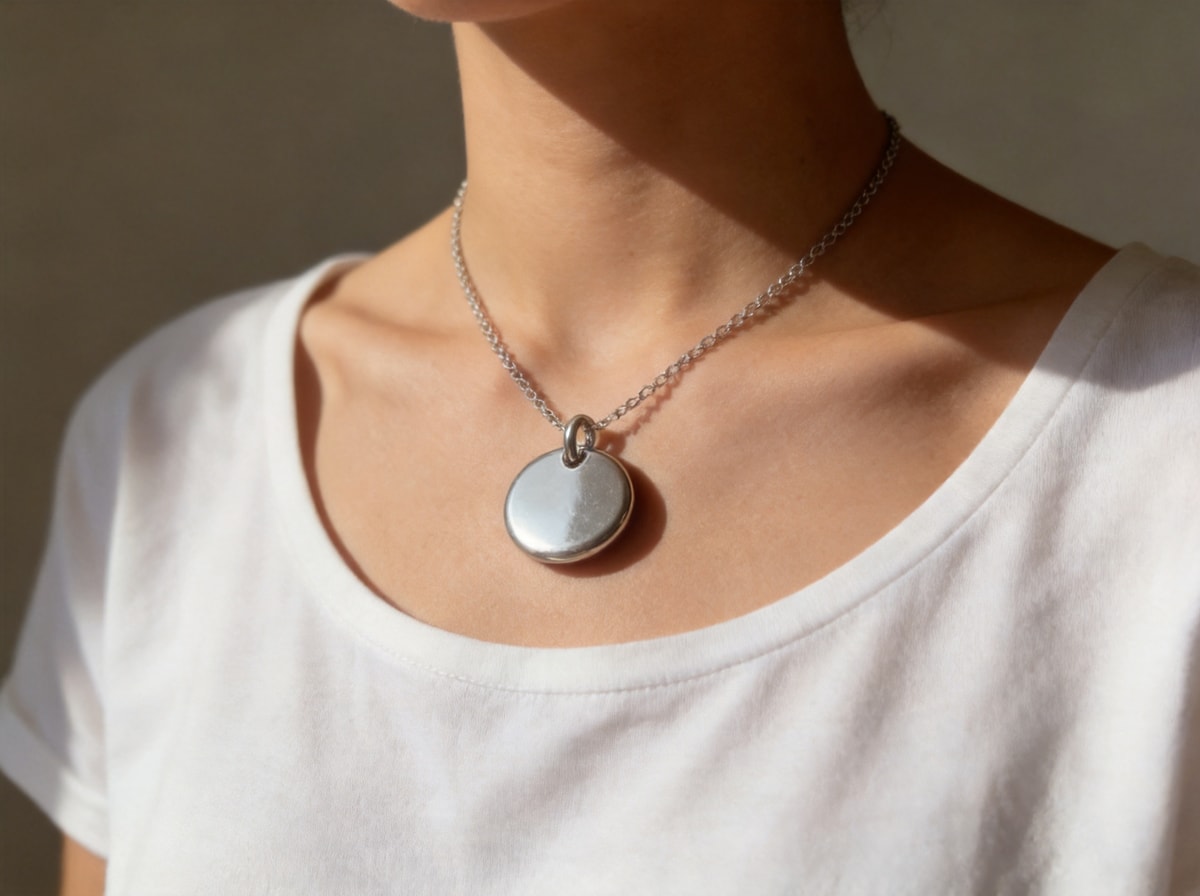
A pendant that was lying flat, now worn
The flats look fine and tell nobody how the piece hangs. Here the chain sits where a chain actually sits — on a collarbone, cropped above the chin so no face has to be invented, the same round silver disc at the same size.
 Before
 After
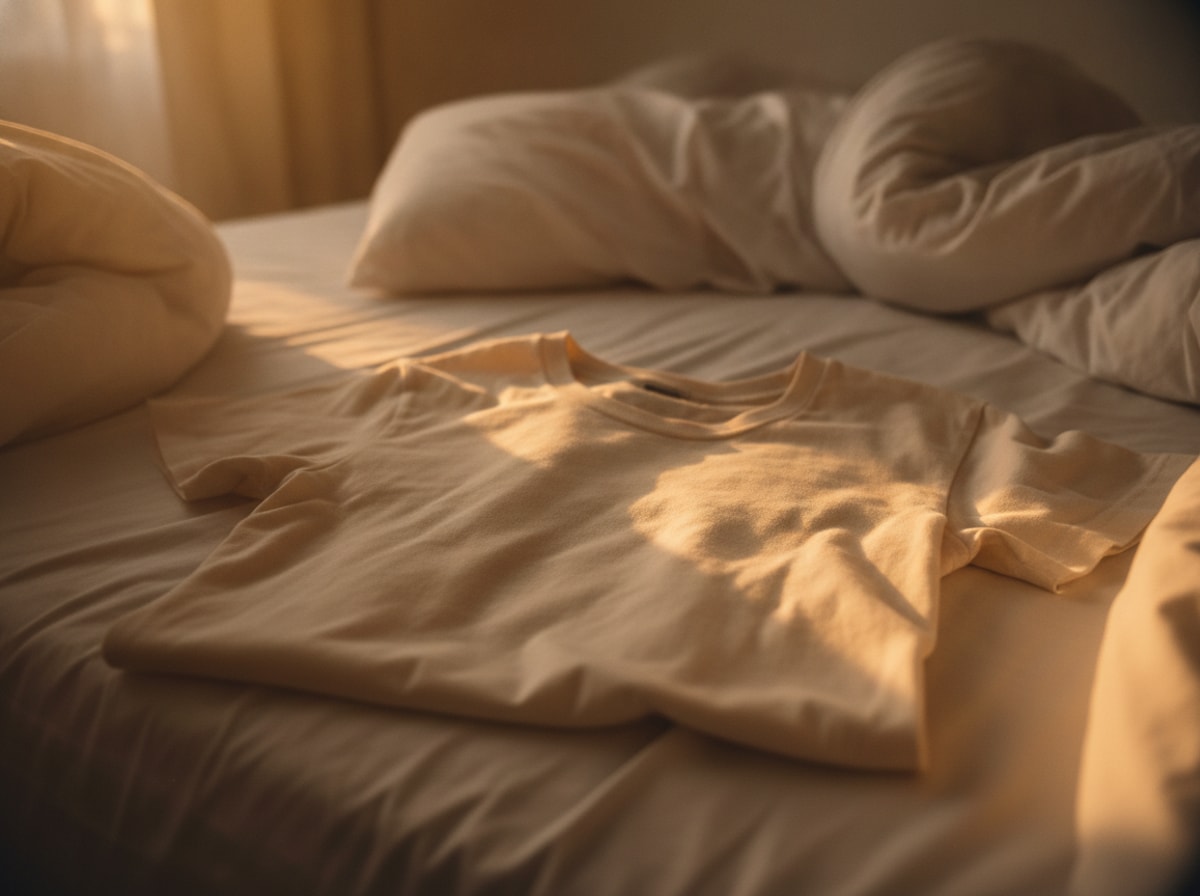
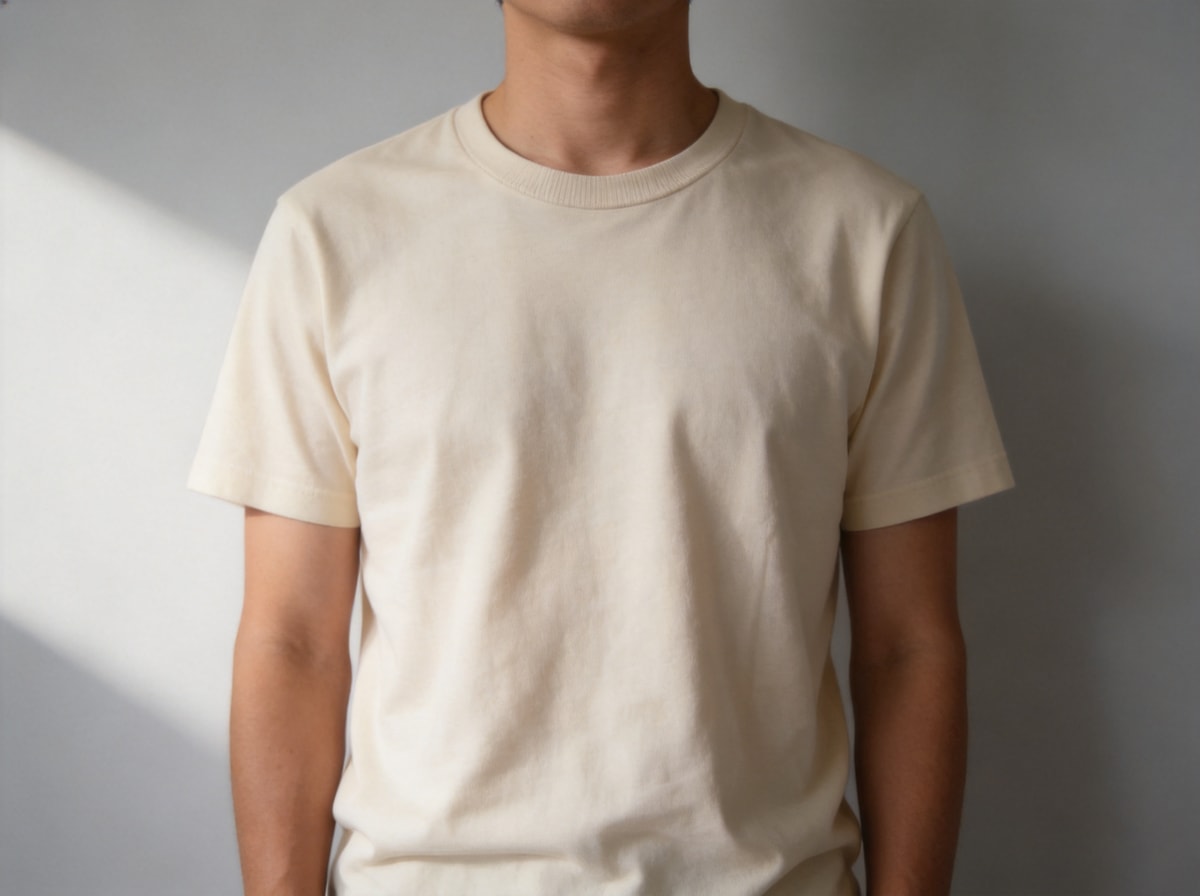
Off the bed and onto a body
A folded shirt answers nothing about drape, shoulder width or sleeve length. The same cream crew neck is now worn against a plain wall, cropped at the chin and the hips, the fabric folding the way fabric folds, collar ribbing still there.
 Before
 After
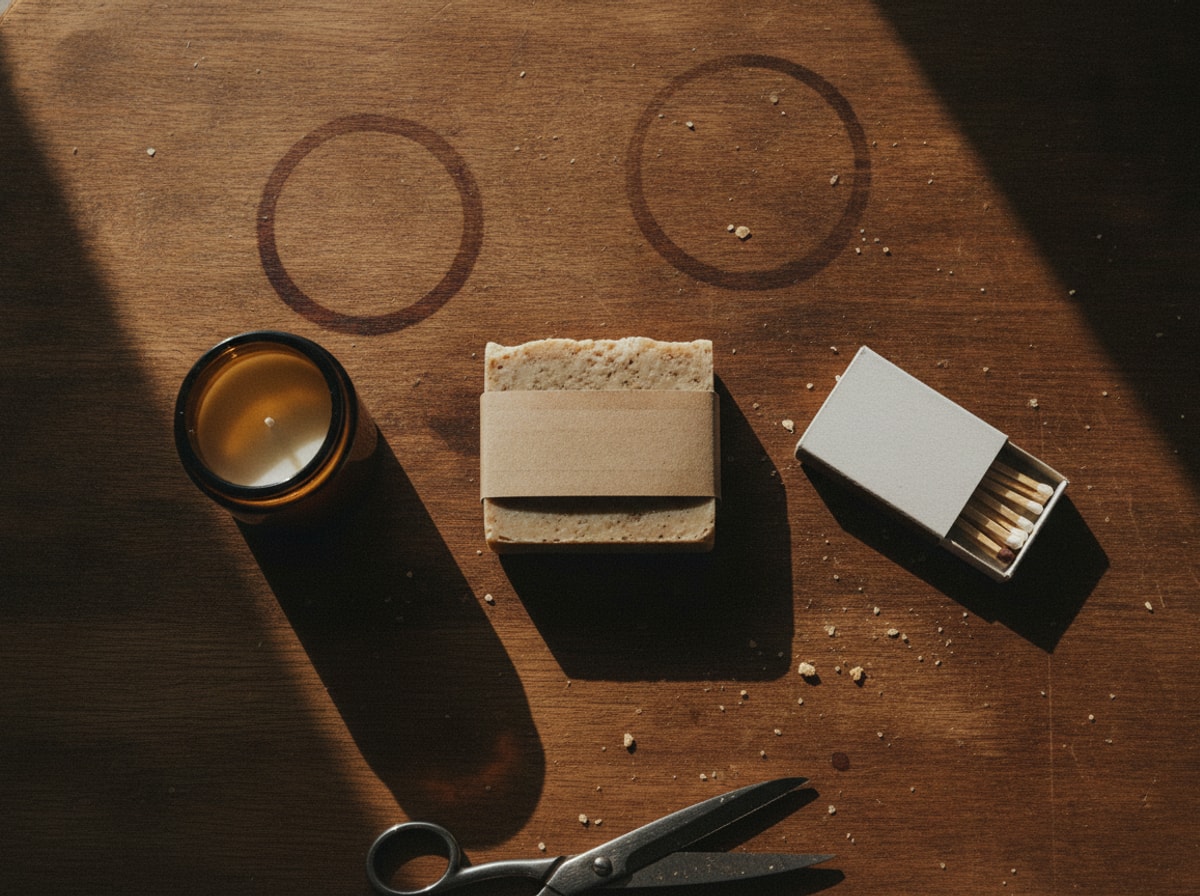
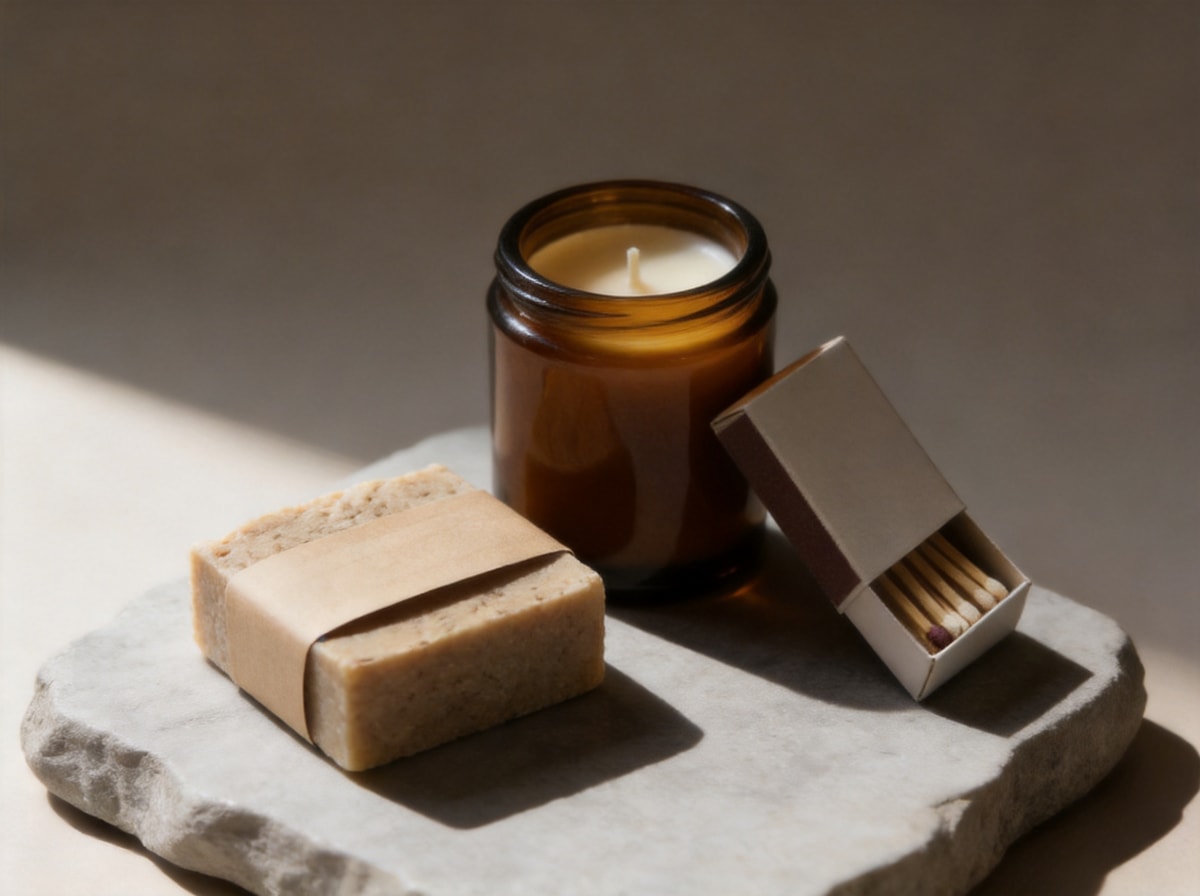
Three pieces, shot as one set
Gift sets and bundles are where phone shoots fall apart: three objects, three directions, no composition. The same soap, candle and matchbox now sit on a stone slab as a deliberate still life, one light, one shadow each.
 Before
 After
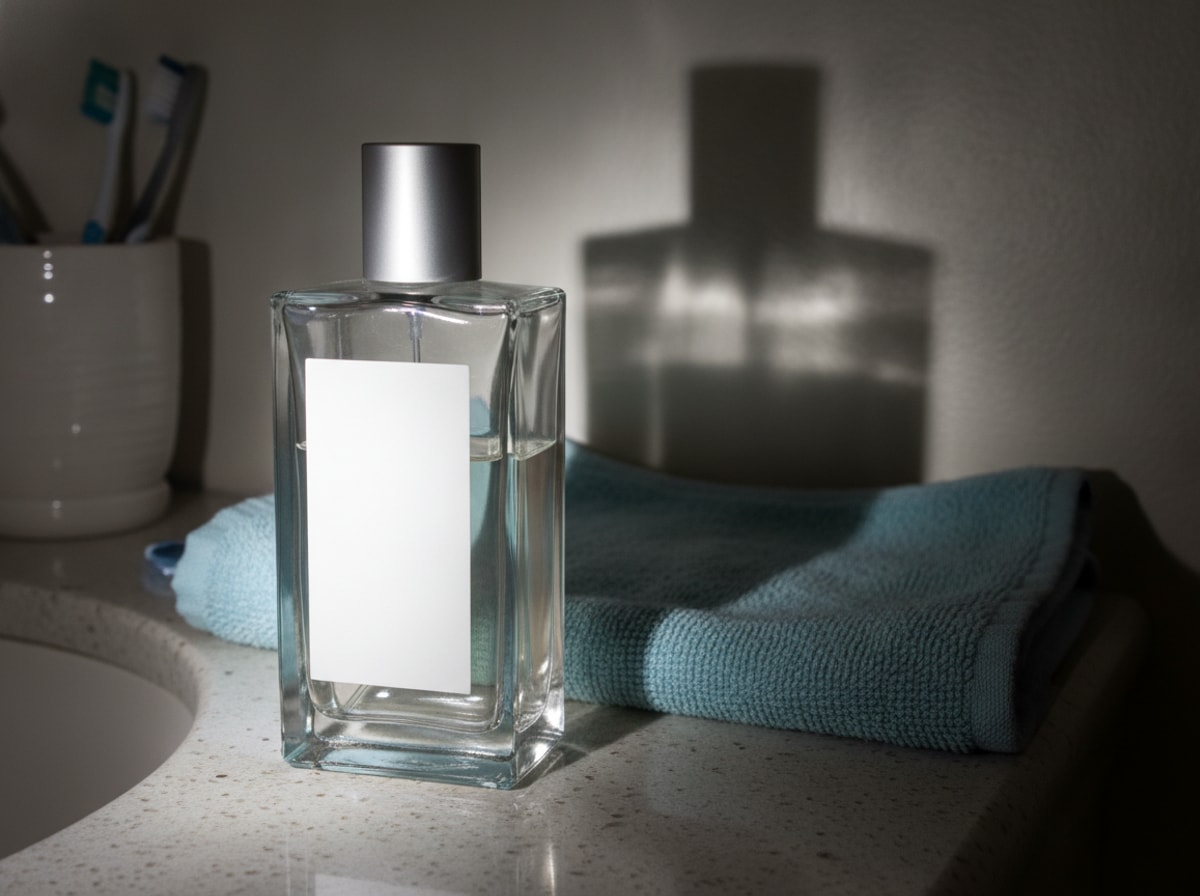
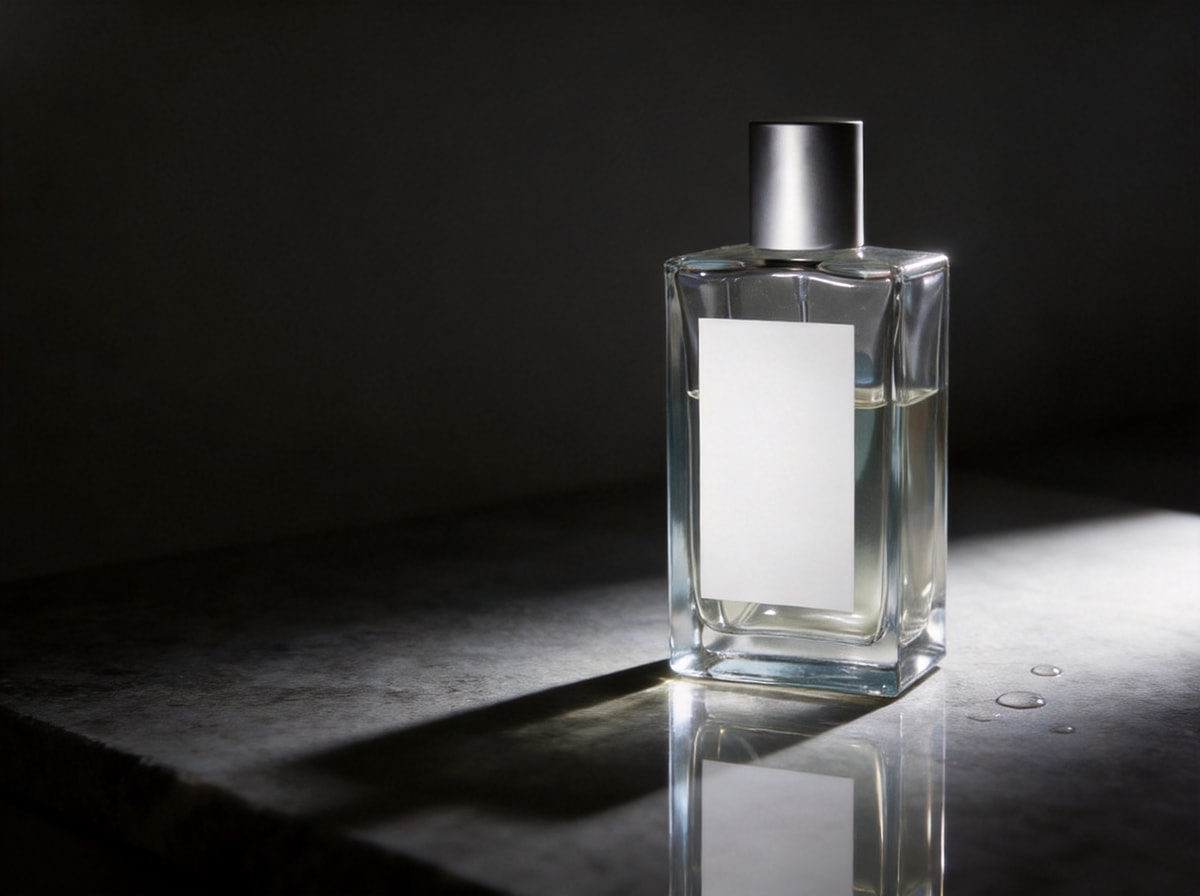
Glass, a reflection, and a surface that shows everything
This is the material that breaks a cutout tool: paste a bottle onto a new background and it floats, with no reflection and no contact with anything. Here the glass sits on polished stone, mirrored underneath, a few droplets, the edges picked out by the light.
 Before
 After
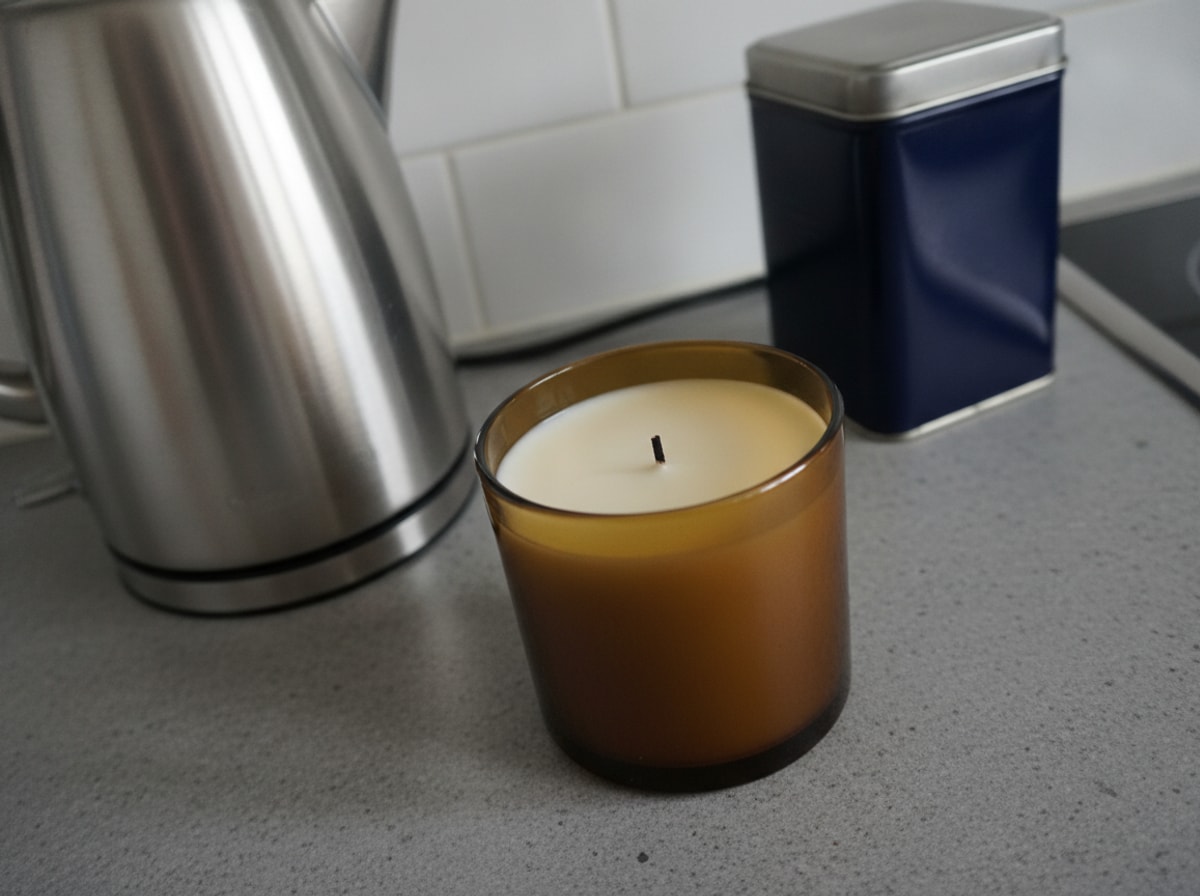
One jar, a second season
Seasonal campaigns used to mean booking the shoot twice. The jar and the wax only have to survive a change of scene: now a Christmas table, pine and cinnamon beside it, warm light behind, the kitchen gone.
White background vs lifestyle — same bottle, two passes
The bottle you just saw held in a hand started as a bathroom shelf. Run that one upload twice and you get two different files for two different slots in the listing. Both tabs came from the same file.
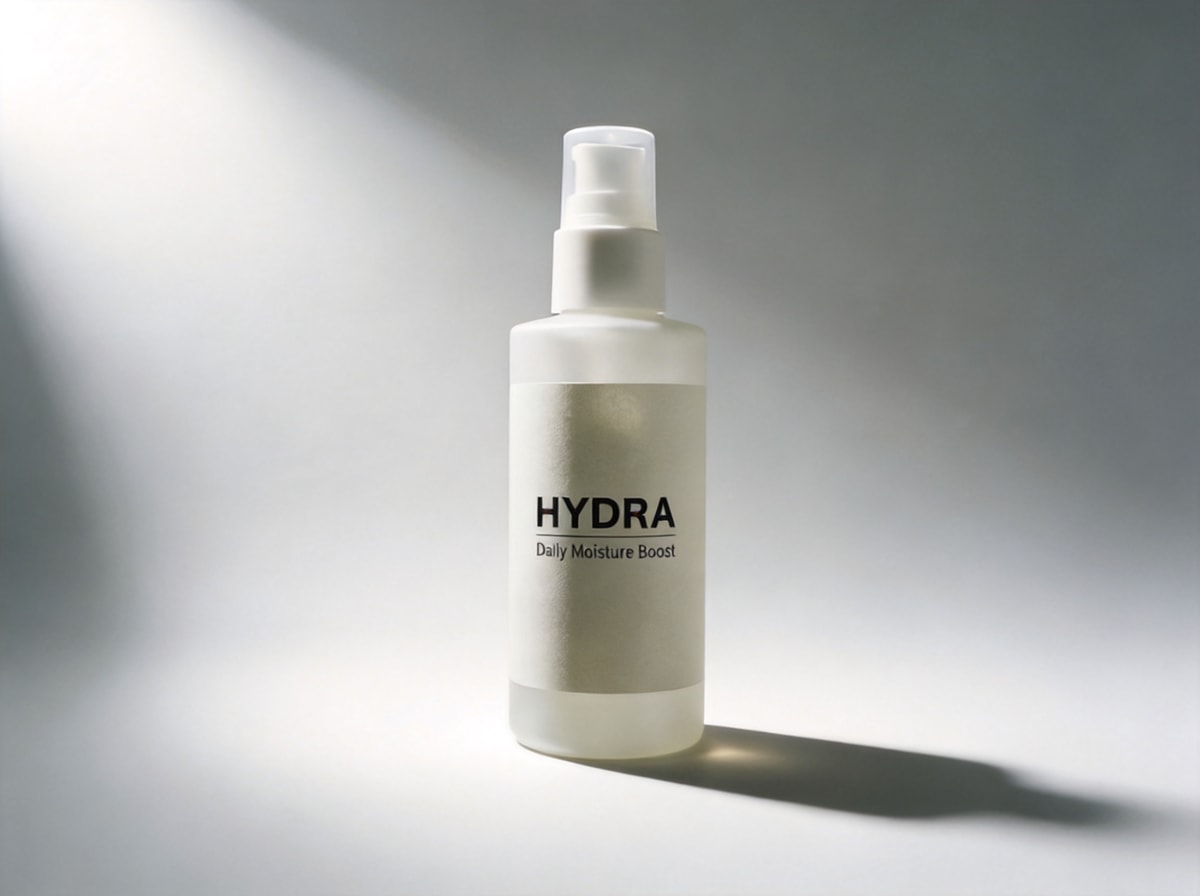
White background, nothing else in frame
The main image most marketplaces want: the object, a seamless white or light grey sweep, one soft shadow underneath so it does not float. No props, no colour cast, no second object creeping in at the edge.
- Prompt a seamless sweep and a soft contact shadow, not a plain white fill — a fill makes the product look pasted on
- Keep the object’s angle. Turning it to face the camera is a different photo
- Check the marketplace’s current rules for your category before you publish; Amazon and Etsy do not ask for the same file
Slot one of the listing. One sentence, one run, and the bottle did not move — which is what makes the two passes read as the same product.
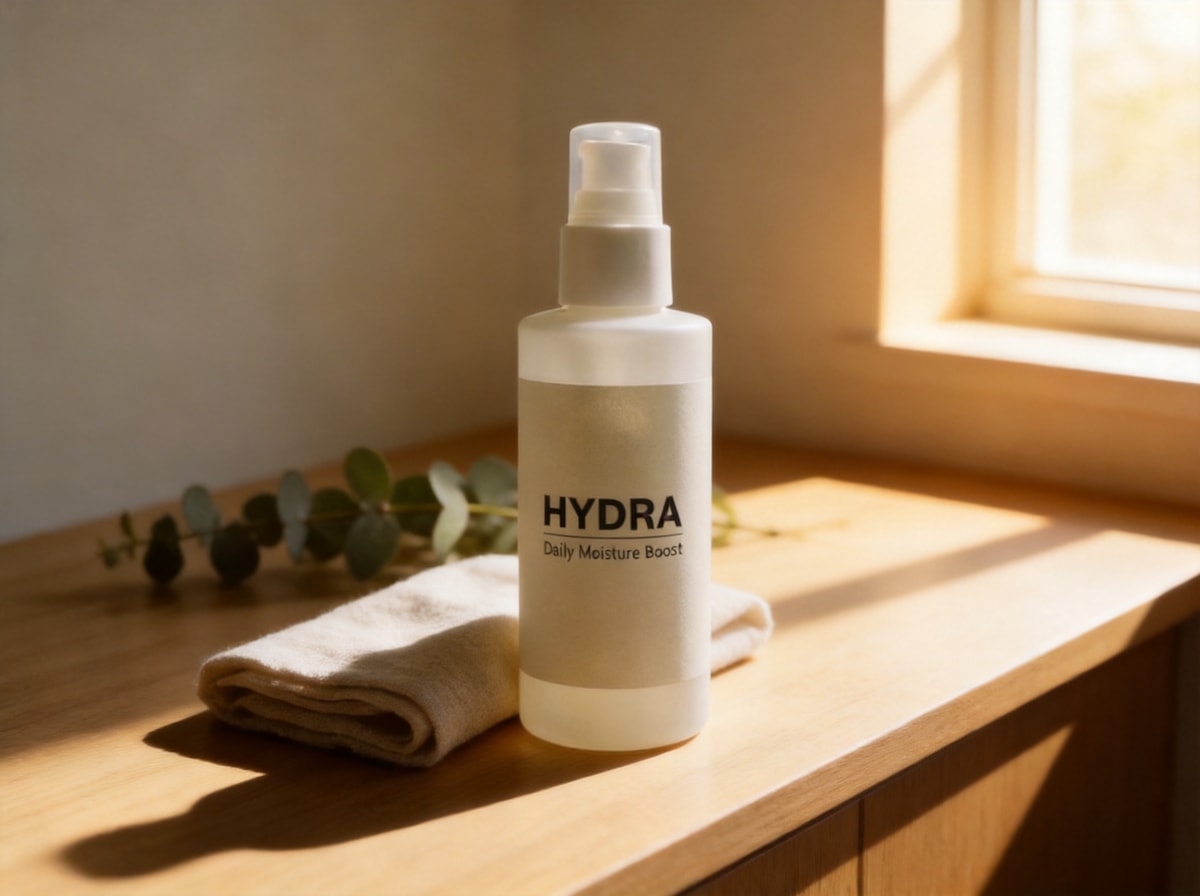
Lifestyle, on purpose
The second pass is the opposite instruction: keep the object, put a believable room around it. A wooden counter, a window, something out of focus behind. This is the image for the second and third slot of a listing, or for the post that links to it.
- Name the surface and the light, not the mood. “Worn wood, window light from behind” beats “cosy vibe”
- Keep the product angle identical to the white shot, so the two images read as one item
- Leave the props out of focus and away from the label
Same file, second sentence. Pale oak, a folded towel, eucalyptus pushed out of focus, the window on the right.
Keep the label (and when to check every character)
This is the part that decides whether an AI product photo is legal to publish, and it is the part sellers skip.
Say it in the prompt, then check it at 100%
Image to image regenerates the frame, and text inside a regenerated frame is the first thing to drift: a 9 becomes an 8, a brand name loses a letter, a barcode turns into a grey smear. The instruction below does most of the work. The zoom check does the rest, and only you can do it.
Then open the result at 100% and read the label the way a customer would: name, size, weight, price, the small print at the bottom. If one character moved, run it again on GPT Image 1.5 or 2 with the same sentence. If it still moves, put the original label back in a real editor — a composited label is honest, an invented one is not.
The soap bar above is the easy end of this: one short line on a kraft band. A supplement label with an ingredient list is the hard end, and that is where the 100% check earns its keep.
AI product photo vs background remover and cutout tools
Both end with a product on a clean background. They get there in opposite ways, and they fail in opposite places.
| Cutout tools | Scenedo | |
|---|---|---|
| What happens | The product is masked, lifted, and pasted onto a new background | The whole frame is rebuilt under your sentence |
| The product | Pixel for pixel the same object | Very close, but regenerated — check the edges |
| The light | Unchanged. A mug lit by a kitchen bulb stays lit by a kitchen bulb | Relit to match the new scene, which is the reason to use it |
| Label text | Safe: nothing is redrawn | Needs the keep-the-label line and a 100% check |
| Fails at | Shadows that do not match, a product that looks cut out | Small type, very fine edges, transparent or glass objects |
If the photo already has good light and you only need the background gone, a cutout tool is faster and safer. If the light is the problem — and with phone shots it usually is — a cutout cannot help you. That is the case this page is for.
Edit a product photo in three steps
Roughly six minutes for the first SKU. Most of it is deciding what to write, not waiting for the render.
Upload the phone shot
JPG, PNG or WEBP up to 20 MB. Fill the frame with the product before you shoot, wipe the lens, and stand so the label faces you. A file with the product small in the corner gives the model less to keep.
Write the brief, not a wish
“Studio light from the left, light grey sweep, keep the label readable.” That is a brief: it names the light, the surface, and the thing that must survive. Leave out “make it premium” — nothing in the studio knows what that means.
Compare at 100%, then export
Put the result next to the original and zoom. Shape, colour, logo, every line of the label. If it passes, export PNG or JPG; if the label moved, rerun before you start a second SKU with the same prompt.
The five-minute check before a listing goes live
Run this on every file. It catches almost everything that would embarrass a shop.
- Shape: silhouette matches the original, no rounded corners that were square
- Colour: the product colour is the one in your stock photo, not a nicer one
- Logo: correct, complete, not mirrored
- Label text: every line read at 100%, including weight and price
- Shadow: one contact shadow under the product, and it falls the same way as the light
- Background: pure white or the scene you asked for, with no stray props or duplicate objects
- File: the size and format the marketplace asks for, at the resolution it asks for
- Disclosure: if the scene is synthetic, follow the platform’s AI policy for that category
Models that behave better on packaging and type
Five out of the twenty-two. The rest are for portraits, restyles and scenes; on labels these are the ones worth your credits.
| Model | Use it when | What it does | Plan |
|---|---|---|---|
| Seedream 4.5 | Objects, glazes, print texture | Sharp 2K and 4K edits, strong on product surfaces and packaging | Pro |
| Seedream 5.0 Pro | The cleanest lettering in the Seedream line | The top editor of that family for packages with a lot of type | Pro |
| GPT Image 1.5 | Small text, signs, printed copy | Better than the rest at keeping a line of type intact | Pro |
| GPT Image 2 | The label has fine print | The sharpest small text of the lot, worth the slower run | Pro |
| Creative 2.0 | The shot includes a hand or a model | Holds a face and skin while the product and the room change | Free |
Free runs are 1K with a small watermark, which is fine for a test and not fine for a listing. Pro removes it and opens 2K and 4K. Every pair on this page was made on Seedream 4.5.
Questions sellers ask before publishing
What is an AI product photo editor here?
An image to image edit that starts from your phone shot. You name the change — light, surface, background — and the model rebuilds the scene. The product is meant to stay the real item you photographed, not a lookalike.
Will it keep my label text?
Usually, if you tell it to. Write "keep the label readable" in the prompt, prefer GPT Image or Seedream for packaging, and compare the result at 100% before you list it. There is no pixel guarantee: one character can move, and you are the one who has to catch it.
Can I get a white background for Amazon or Etsy?
Yes. Ask for a seamless white or near-white sweep with a soft contact shadow, then check the current image policy for your category — the rules change, and Etsy does not ask for the same thing Amazon does.
How is this different from remove.bg or a cutout tool?
A cutout lifts the product and pastes it on a new background; the light on the product never changes. This rebuilds the surroundings and the light together. The product becomes very slightly regenerated, which is why the label check is not optional.
Can I make lifestyle images from the same photo?
Yes. Run the white pass first, then a second pass with a surface and props: tabletop, window light, something out of focus behind. Keep the product angle the same so the two images read as one item.
Do marketplaces require AI disclosure?
It varies by platform and category, and it is changing. The safe reading: the scene may be synthetic, the product has to stay truthful. Check your marketplace's policy before a campaign, not after a takedown.
Is it free to try?
Two free tries, no account and no card. After that, plans start at $15 a month for 200 credits; each model has its own credit price.
Where to go next
Two free tries. Bring one SKU.
Upload the worst photo in your camera roll. No account and no card for the first two images.