Image to anime converter
Upload a photo, pick a style, and get a frame that looks drawn by hand. Faces stay recognisable.
Four conversions, one photo each
Same brief every time: keep the person, change the medium. The sentence under each result is the whole prompt.
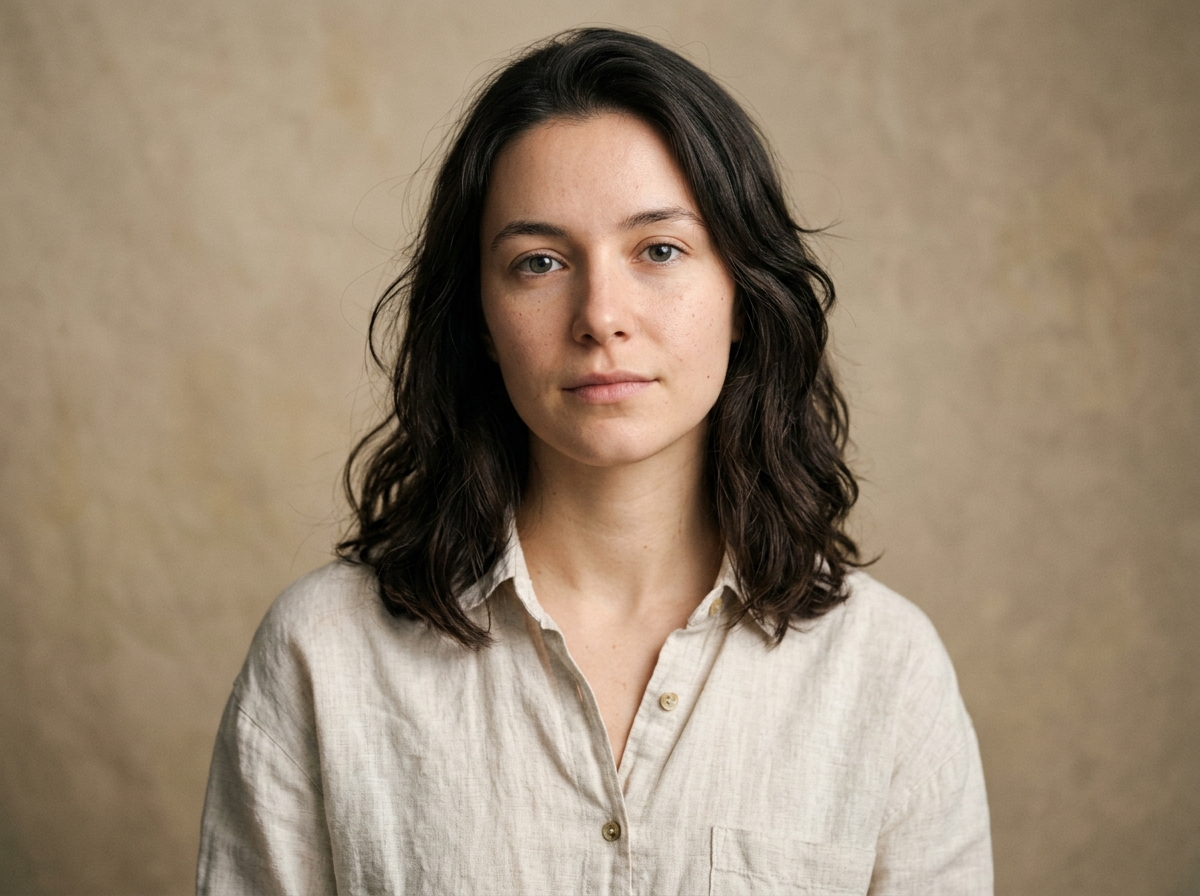 Before
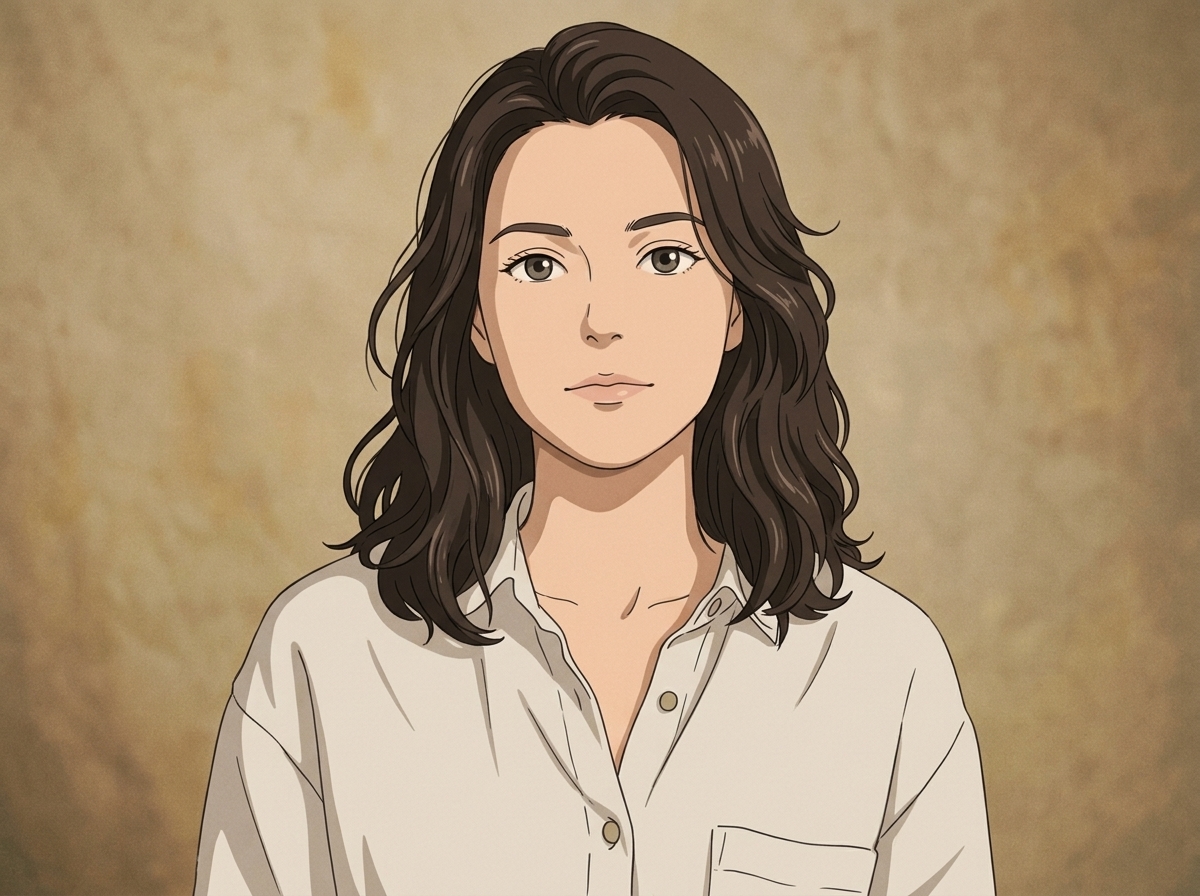 After
AfterPortrait, still the same person
Straight studio portrait, neutral light, no expression to speak of. The preset warms the skin and lifts the shadow under the jaw, and the eyes keep their shape, which is the part that decides whether a likeness survives a style pass.
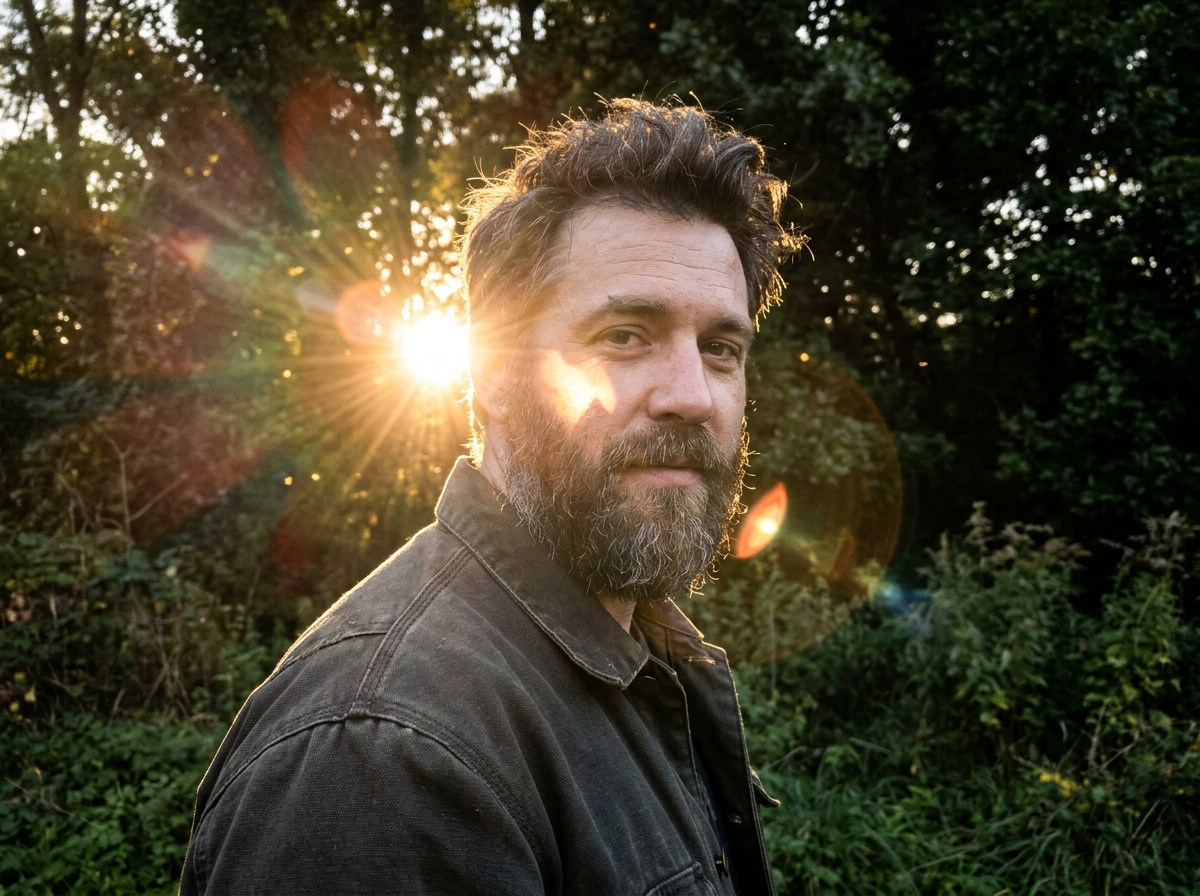 Before
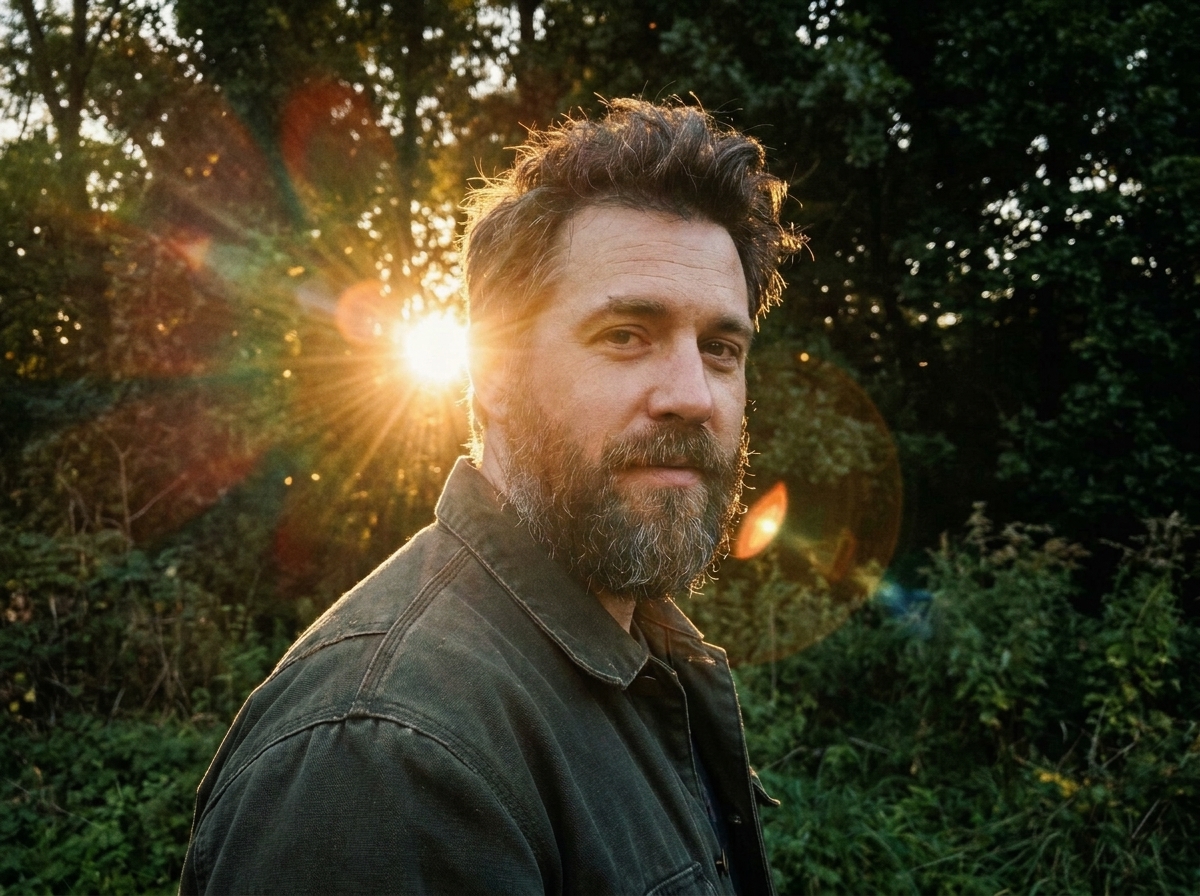 After
AfterBacklight and a blown cheek
Shot into the sun on a phone, so his cheek blew out and the greens went acid. The film preset pulls the highlight back into the frame, pushes the greens toward olive and puts halation where a real lens would have put it.
 Before
 After
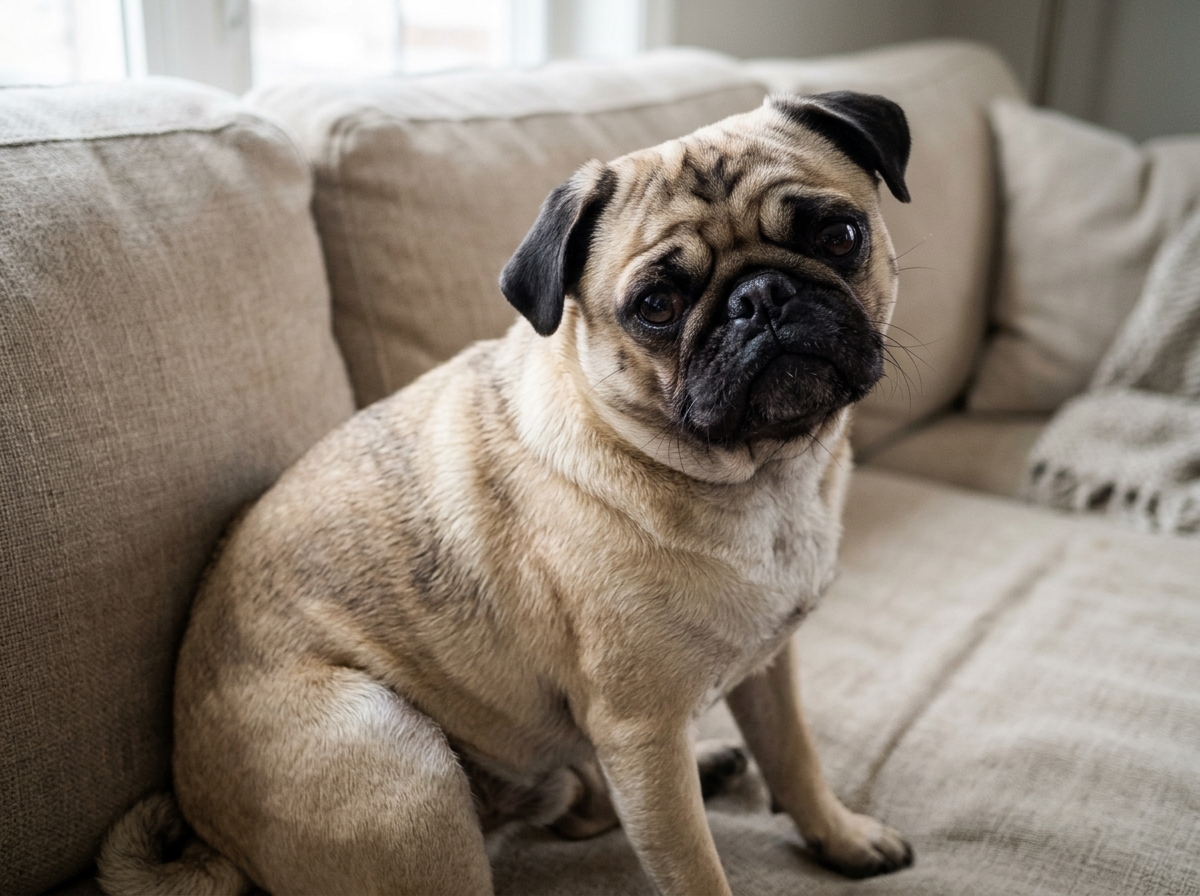
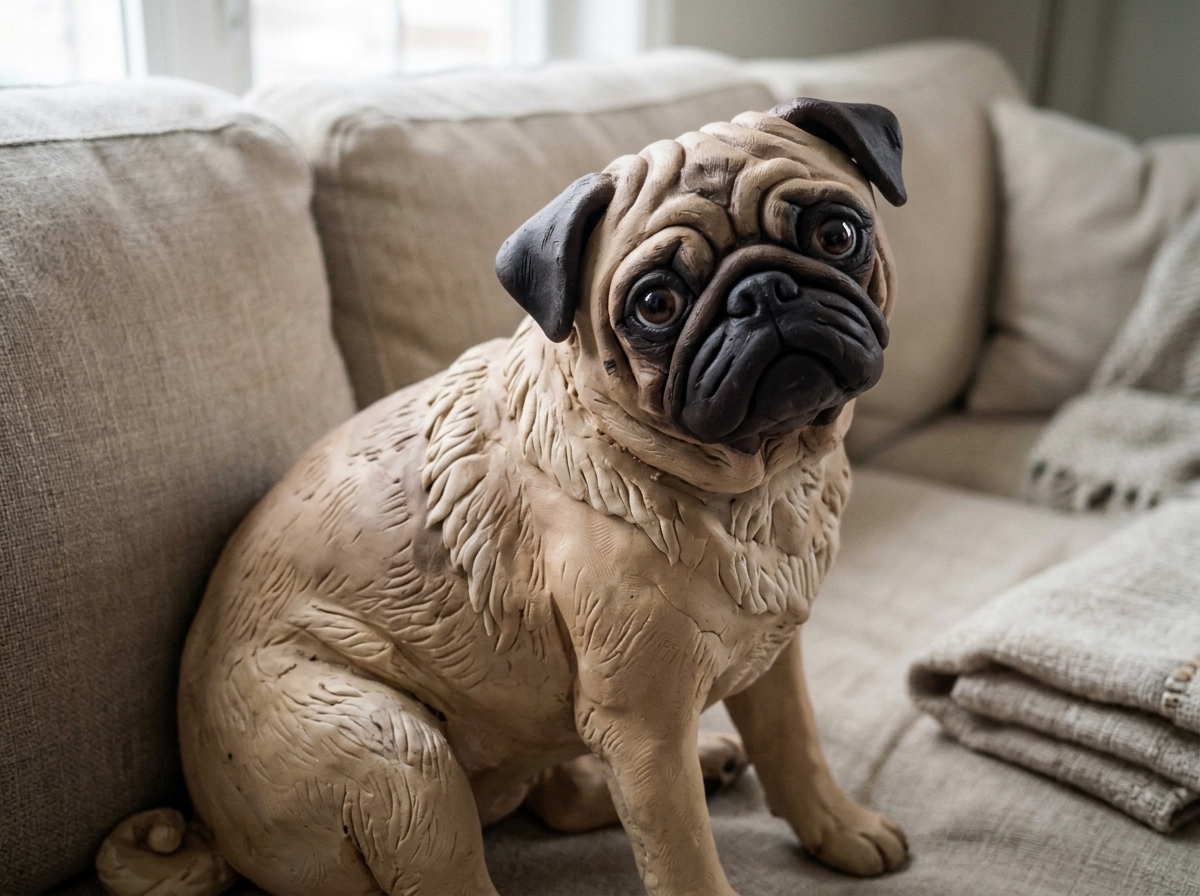
AfterA pet, drawn instead of smeared
Fur is the usual failure case. Most style passes flatten it into one shape, and the dog stops being a dog. This one rebuilds the coat as separate clay tufts and leaves the face alone.
 Before
 After
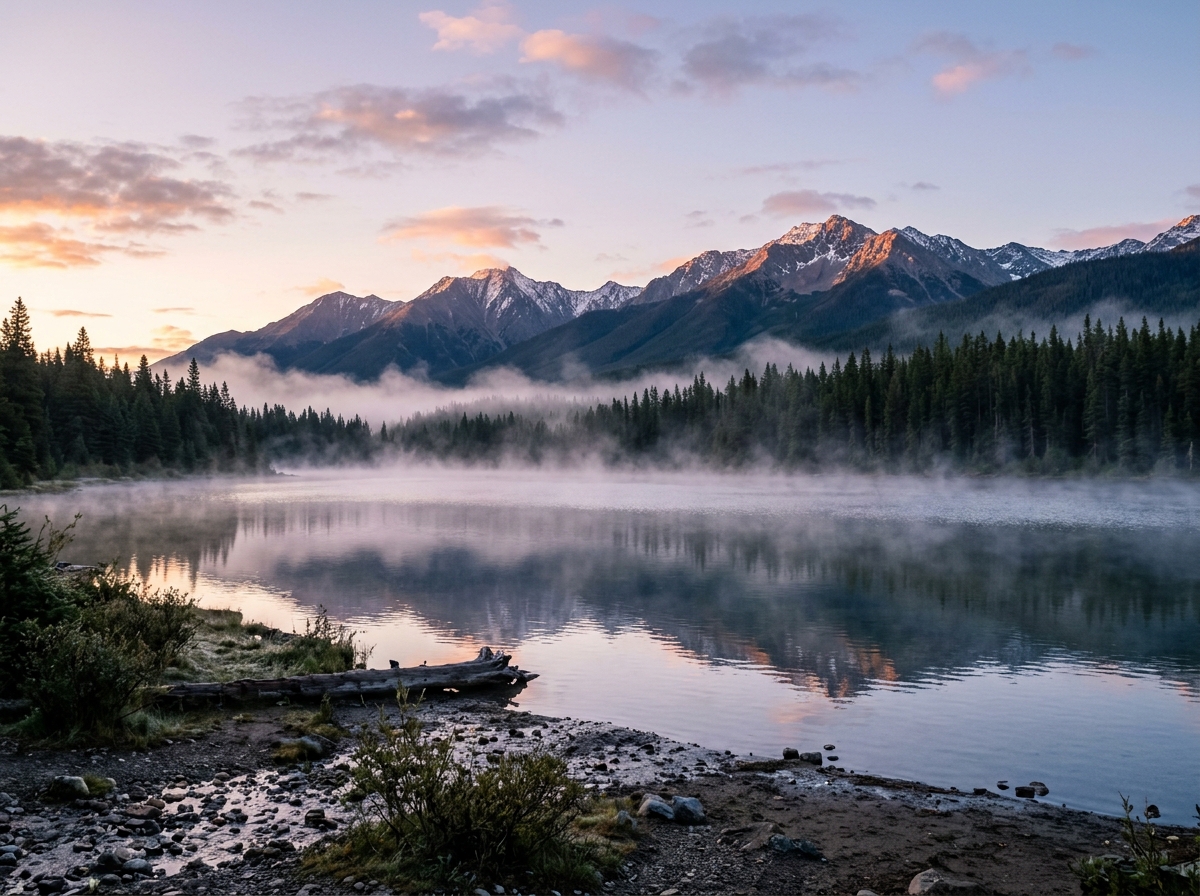
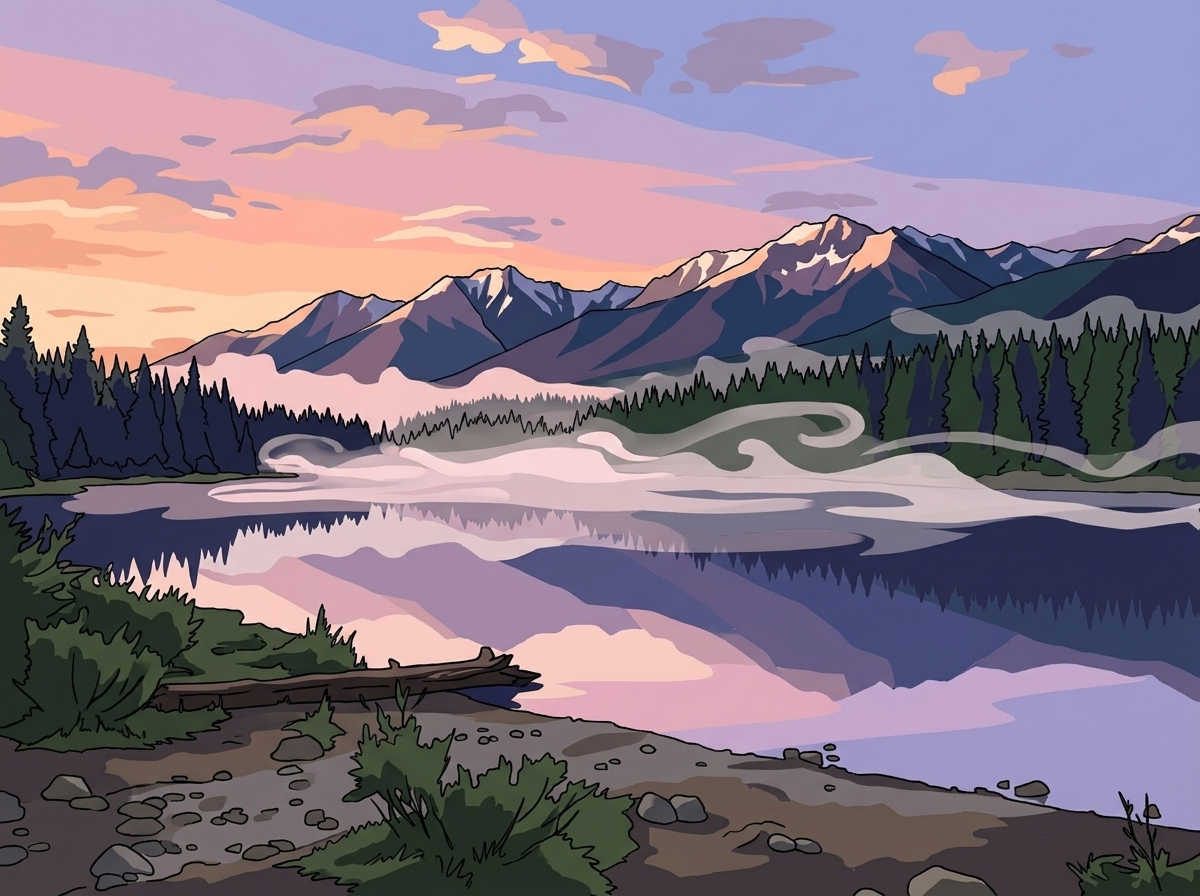
AfterWide frame, poster colour
A wide shot with a big sky and a small subject. The cel preset flattens the water into three tones, keeps the pines as ink silhouettes, and leaves the clouds simple, because detailed clouds in a flat frame look pasted on.
Three photos people bring here
A portrait for an avatar
Keep the likeness, lose the camera look. Works best on a plain background.
A pet, drawn properly
Fur keeps its texture instead of turning into one flat shape.
A still for a thumbnail
Faces hold up at 1280 pixels wide, which is where most thumbnails live.
How a conversion runs
Upload
Drag in a JPG or PNG. Anything under 20 MB goes straight through.
Pick a style
Four presets are enough for most photos. Add a sentence if you want a specific look.
Download
PNG at the original size, no watermark. The file is yours to use.
Questions about this converter
Will the face still look like the person?
Yes, that is the part we tune hardest. Keep the slider under 70 percent and the likeness holds. Above that the model starts inventing features.
What photo works best?
One face, reasonably lit, at least 800 pixels on the short side. Sunglasses and heavy shadows are what usually break it.
Can I convert a whole folder at once?
On Pro, up to 20 files in one batch. Free is one at a time, and two credits a day.
Is this the same as the Studio page?
It is the same model with the anime presets already selected. If you want to keep editing after the conversion, open the result in Studio.